Is your smartphone feeling slower than usual? Apps taking too long to open, lagging screens, and battery drain can make using your phone frustrating. The good news is that you don’t always need a new device to improve performance. With a few simple changes, you can make your phone run faster and smoother again.
Here are 10 useful tips from Port Hope Cell Phone Plus to help speed up your phone and improve its performance.
1. Restart Your Phone Regularly
One of the easiest ways to improve phone performance is by restarting it regularly. Rebooting clears temporary files, refreshes system processes, and helps reduce lag.
Try restarting your phone at least once every few days to keep it running smoothly.
2. Delete Unused Apps
Many apps continue running in the background even when you are not using them. Too many installed apps can slow down your device and take up valuable storage space.
Remove apps you no longer need to free up memory and improve performance.
3. Clear Cache Files
App stores temporarily cache files to load faster, but over time, these files can build up and slow your phone down.
Clearing app cache regularly can help improve speed and free up storage space without deleting important data.
4. Update Your Software
Software updates often include performance improvements, bug fixes, and security enhancements.
Keeping your operating system and apps updated ensures your phone runs more efficiently and stays protected from issues.
5. Free Up Storage Space
A nearly full storage drive can significantly reduce phone performance. Delete old photos, videos, downloads, and unnecessary files to create more free space.
You can also move files to cloud storage or an external device to reduce storage usage.
6. Disable Background Apps
Some apps constantly run in the background, using memory and battery power.
Turning off unnecessary background activity can improve phone speed and help extend battery life.
7. Reduce Animations and Widgets
Too many widgets, live wallpapers, and animations can slow down your device’s performance.
Using a simple wallpaper and reducing visual effects can help your phone feel faster and more responsive.
8. Scan for Malware or Harmful Apps
Malware and suspicious apps can cause your phone to lag, overheat, or drain battery quickly.
Install apps only from trusted sources and regularly scan your device using reliable security software.
9. Replace an Old Battery
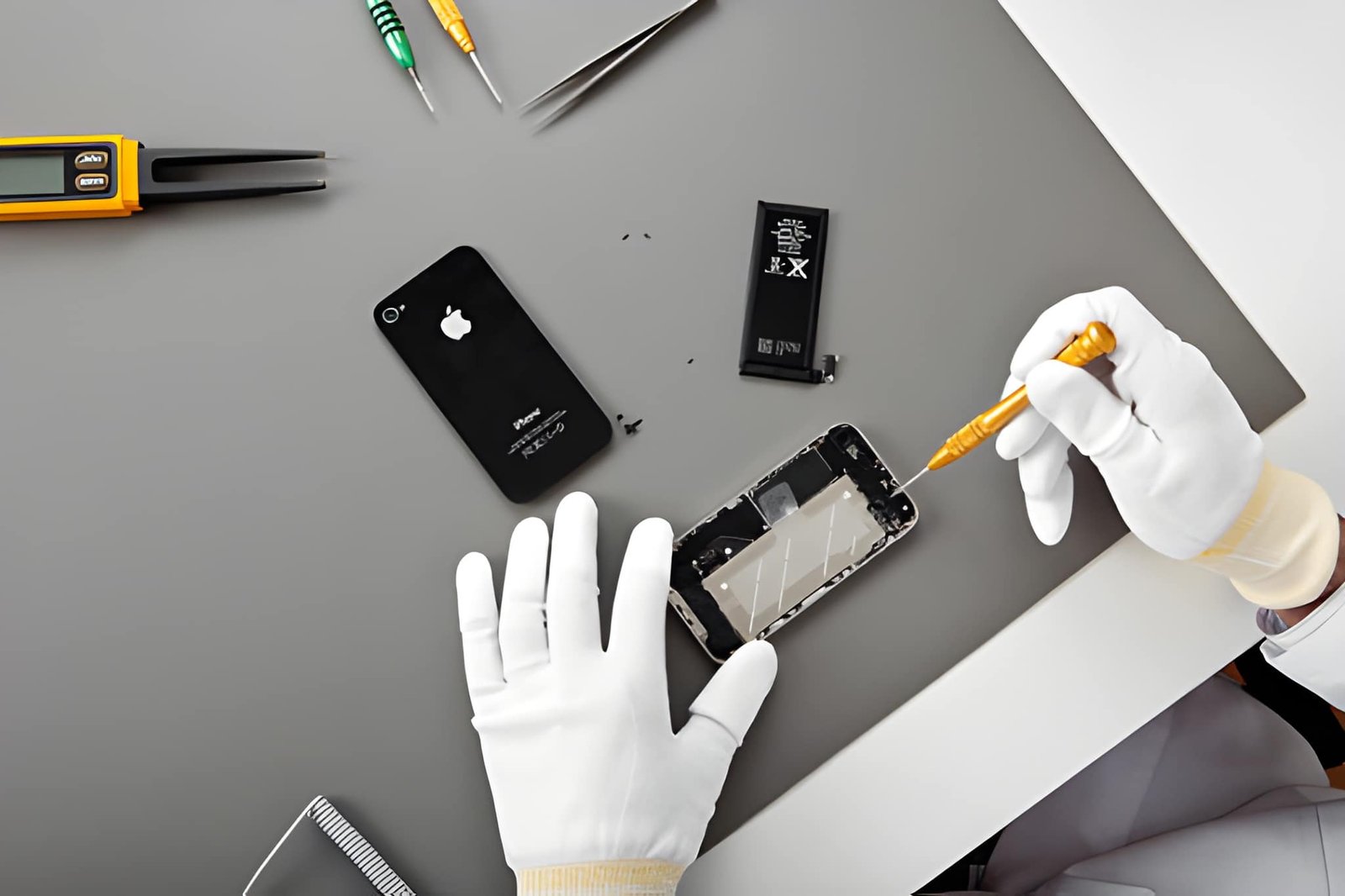
A weak or aging battery can affect overall phone performance. If your device shuts down unexpectedly or drains quickly, it may be time for a battery replacement.
Professional battery replacement can improve both speed and reliability.
10. Get Professional Mobile Repair Service
If your phone is still slow after trying these tips, there may be a hardware or software issue that requires professional attention.
At Port Hope Cell Phone Plus, our experienced technicians provide expert mobile repair, screen repair, battery replacement, and iPhone repair services to keep your device performing at its best.
Final Thoughts
Smartphones naturally slow down over time, but proper maintenance can help extend their lifespan and improve performance. By following these simple tips, you can enjoy a faster, smoother, and more reliable mobile experience.
If your device needs professional repair or maintenance, Port Hope Cell Phone Plus is here to help with fast and reliable service you can trust.